Claude
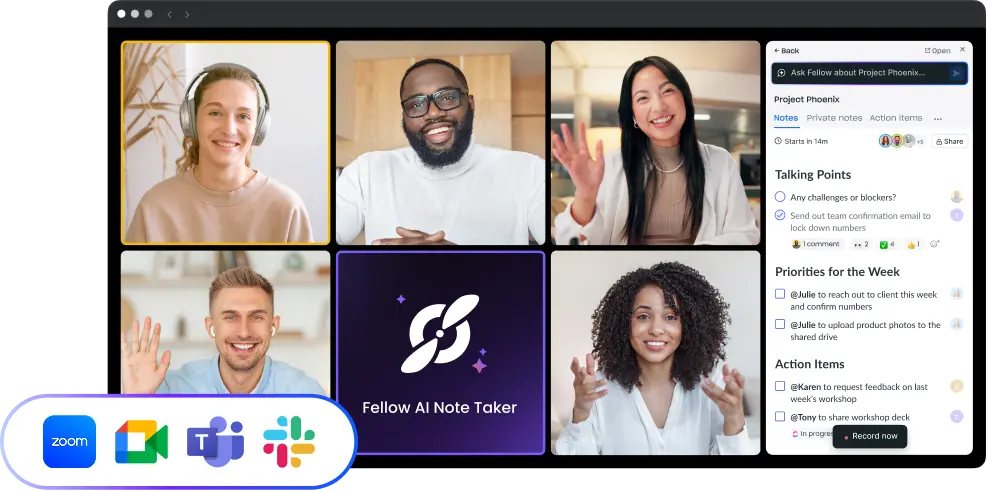
Fellow is an official verified connector in Claude's directory. Build and edit meeting agendas directly from Claude and get insights from your Fellow meeting transcripts, summaries, and action items.
Ask Claude anything about your meetings
Fellow's Claude integration uses the Model Context Protocol (MCP), a secure standard that lets Claude access your Fellow workspace directly. Once connected, Claude can retrieve your meeting summaries, transcripts, action items, decisions, and calendar events on demand, so your meeting context is available wherever you're working in Claude.
The integration is verified by Anthropic for quality and security standards, and only gives Claude access to data you already have permission to view in Fellow. No meeting content is shared outside your workspace without your explicit request.
How it works
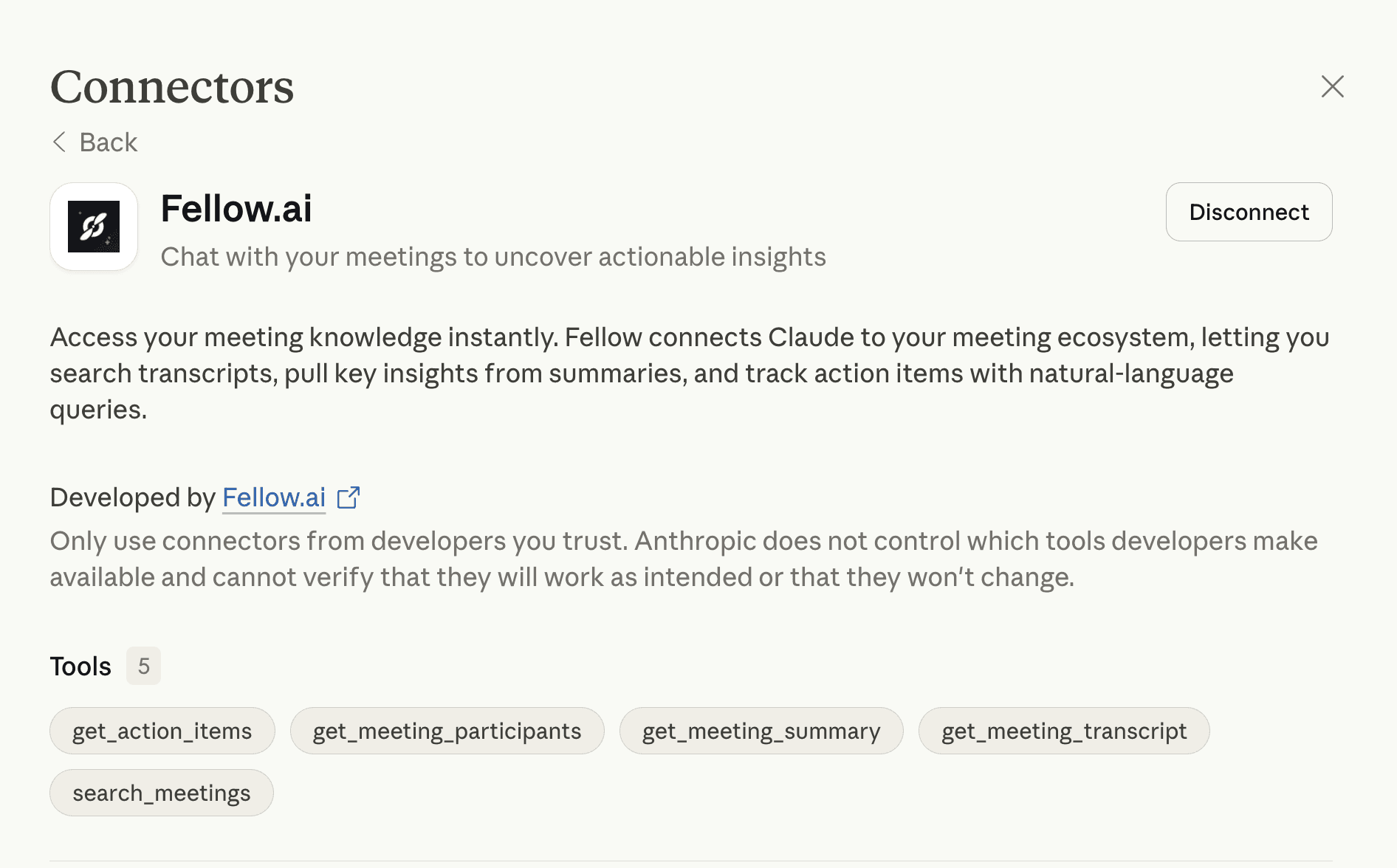
Fellow appears as an official connector in Claude's connector directory. On Claude Team and Enterprise plans, an Owner adds Fellow to the organization once, and each user then authenticates their own Fellow account with a single toggle. On Pro and Max plans, you add Fellow yourself from Claude's connector directory. No URL configuration or developer mode is required.
Once connected, Claude can search your meetings and pull summaries, transcripts, action items, and participants. It can also build and edit meeting agendas and agenda templates. You ask Claude in natural language, and it retrieves the relevant information or updates the agenda in your Fellow workspace. Fellow workspace admins choose which of these tools are available.
Fellow also works alongside other Claude connectors. You can combine meeting context with your other tools in the same conversation. For example, you can pair Fellow with Linear to prioritize tickets based on what came up in your standups, or with Gmail to draft follow-up emails grounded in what was actually discussed on a call.
What you can ask Claude
Recall specific details: "What were my action items from the strategy meeting last week?" "Who said we needed to move the launch date to July?"
Summarize across meetings: "What challenges have come up consistently in our standups this month?" "Summarize the feedback I gave Jake in our 1-on-1s last quarter."
Prepare for upcoming meetings: "What did we discuss in the last marketing team meeting?" "What talking points should I raise based on last week's project check-in?"
Build agendas: "Draft the agenda for tomorrow's customer sync based on our last three calls." "Add my open action items to Monday's 1:1 agenda."
Track follow-through: "What are my open action items from this week's meetings?" "Confirm the next steps from our roadmap review."
Use meeting context with other connectors: "Based on my meetings this week, which Linear issues should I prioritize?" "What decisions from yesterday's meeting relate to the Q4 strategy doc in my Drive?" "Send a follow-up email based on the sales call I just finished and our previous email conversations."

Works where your teams work
Keep your meeting workflow synced with 50+ Fellow integrations