8 best AI meeting notetakers with MCP servers in 2026
•
7
MIN READ
AI Summary by Fellow
An MCP server lets AI tools like Claude, ChatGPT, Cursor and Copilot read your meeting notes directly, so you can ask about past conversations without copying transcripts into a prompt. Most AI meeting notetakers now offer one. They differ in which AI tools they connect to, what those tools can do once connected, and how much control admins keep over the connection.
This guide compares 8 AI meeting notetakers with MCP servers in 2026, based on each vendor's documentation as of November 2026.
What are the best AI meeting notetakers with MCP servers?
Fellow is the best choice for teams that need admin control over MCP access and want AI tools to act on meeting workflows, not only read them. Read AI is the most open option, with MCP on every plan including Free. Circleback covers the widest data in one connection, adding email and calendar to meetings. Granola, Fireflies, Otter, Fathom and MeetGeek offer official MCP access for teams already using those tools.
What is an MCP server for meeting notes?
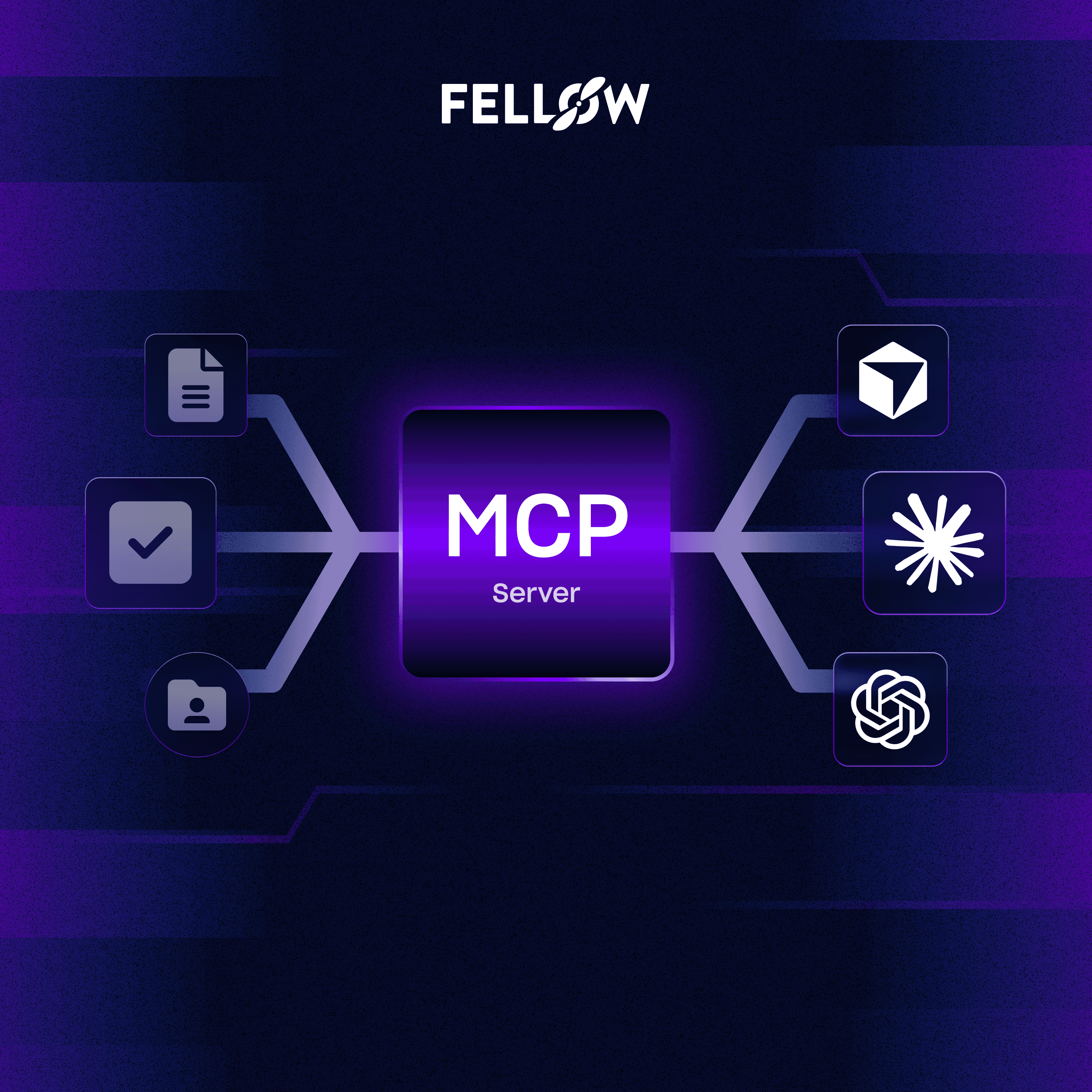
MCP (Model Context Protocol) is an open standard that lets an AI tool connect to another app's data. The AI tool is the client. The meeting notetaker runs the server, which decides what data the AI tool can see and which actions it can take. You connect once, sign in, and the AI tool can then search meetings, pull transcripts and summaries, and in some cases make changes, using your existing permissions.
How do AI meeting notetaker MCP servers compare?
Tool | AI tools it connects to | What AI tools can do | Plan notes |
|---|---|---|---|
Fellow | Claude (Anthropic-verified connector), ChatGPT, Copilot Cowork, Cursor | Read meetings, plus write and edit agendas and agenda templates | Workspace owners enable it; admins can restrict it to read-only |
Read AI | ChatGPT and Codex, Claude, Microsoft Copilot Studio, Gamma | Read meetings and send Read AI to a call | All plans, including Free |
Circleback | Claude, ChatGPT, Cursor | Read meetings, calendar events and email | Not specified |
Granola | Claude, ChatGPT, Cursor | Read notes and transcripts | Free plan limited to personal notes from the last 30 days |
Fireflies | Claude, ChatGPT, Cursor, Devin | Read transcripts, summaries and action items | ChatGPT connection needs ChatGPT Plus, Team or Enterprise |
Otter | Claude and other MCP clients | Search transcripts and retrieve conversations | Not specified |
Fathom | MCP clients through its official server | Read meetings, transcripts and summaries | Not specified |
MeetGeek | Claude | Meetings, transcripts, highlights and insights | Not specified |
The best AI meeting notetakers with MCP servers in 2026
1. Fellow: best for admin-controlled MCP access with write actions
Fellow's MCP server connects meeting recaps, notes and action items to Claude, ChatGPT, Copilot Cowork and Cursor. Its Claude connector is Anthropic-verified, and Fellow's own review of the Claude directory found it was the only verified meeting notetaker connector with default write access: Claude can write and edit agenda items, rename notes, and create, apply and set default agenda templates.
Control stays with the workspace. Workspace owners decide when the MCP server is enabled, can restrict it to read-only, can revoke connections at any time, can have unused connections removed automatically after a period they set, and can see when each connection was last used. A connected AI tool only sees the meetings the user already has access to in Fellow.
Fellow is SOC 2 Type II certified, HIPAA and GDPR compliant, and never trains AI models on customer data. Alongside MCP, Fellow connects natively to 50+ tools, including Salesforce, HubSpot, Jira, Asana, Notion and Slack.
Pricing: Free plan available; paid plans from $7 per user per month, billed annually.
Best for: Teams, especially in regulated industries, that want AI tools to work with meeting data under admin-set policies.
2. Read AI: best for MCP on a free plan
Read AI's MCP server is available on every plan, including Free. It connects to ChatGPT and Codex, Claude (web, desktop and Claude Code), Microsoft Copilot Studio and Gamma, and an assistant can also send Read AI to a supported video call. Members of a workspace need their admin to turn on Downloads in workspace settings before connecting. EU users connect through a separate EU endpoint.
Best for: Individuals and teams who want to try MCP without a paid plan.
3. Circleback: best for meetings, calendar and email in one connection
Circleback's MCP server exposes meeting notes, transcripts, action items, calendar events and email threads through a single connection, so an AI tool can answer questions that span meetings and email. It connects to Claude, ChatGPT and Cursor.
Best for: Teams that want one connection for meeting and email context.
4. Granola: best for individuals already using Granola
Granola runs an official MCP server that connects to Claude, ChatGPT and Cursor with browser sign-in. On the free Basic plan, MCP covers personal notes from the last 30 days. Business adds public workspace notes, and Enterprise lets admins configure MCP access.
Pricing: Free plan with 30 days of history; Business is $14 per user per month and Enterprise is $35 per user per month.
Best for: Granola users who want their notes inside Claude or ChatGPT.
5. Fireflies: best for transcript search across many calls
Fireflies' MCP server gives AI tools access to transcripts, summaries, action items and meeting insights. It is listed in Claude's connector directory and also works with ChatGPT, Cursor and Devin. Connecting through ChatGPT requires a ChatGPT Plus, Team or Enterprise account.
Best for: Teams with large volumes of recorded calls that want to search patterns across them.
6. Otter: best for Otter users who want transcripts in Claude
Otter runs an official remote MCP server with OAuth sign-in and is listed in Claude's connector directory. AI tools can search transcripts, retrieve conversations and pull insights from Otter meetings.
Best for: Existing Otter customers.
7. Fathom: best for Fathom users
Fathom now offers an official MCP server, replacing the community-built servers people used before. AI tools can browse meetings and pull summaries and transcripts.
Best for: Existing Fathom customers.
8. MeetGeek: best for MeetGeek users on Claude
MeetGeek added a Claude connector in April 2026, giving Claude access to meetings, transcripts, highlights and insights.
Best for: Existing MeetGeek customers who work in Claude.
What should you check before turning on a meeting notetaker MCP server?
Who can turn it on. Check whether an admin enables MCP for the workspace or each user connects on their own.
What the AI tool can see. The connection should follow the same meeting permissions users already have, not open the whole workspace.
Whether it can write. Write access is useful for agendas and follow-ups, but your admins should be able to switch it off.
How connections are managed. Look for the ability to revoke connections, remove unused ones and see when each was last used.
Where the data goes. Once meeting data reaches Claude or ChatGPT, that tool's own data terms apply, so confirm your AI tool's settings too.
See also: 11 AI meeting notetakers with Claude connectors and Fellow's MCP server.
Frequently asked questions
Record, transcribe and summarize every meeting with the only AI meeting assistant built with privacy and security in mind.


