Windows App
Easily access and edit your Fellow notes directly from your desktop, simplifying meeting preparation and follow-up.
Overview
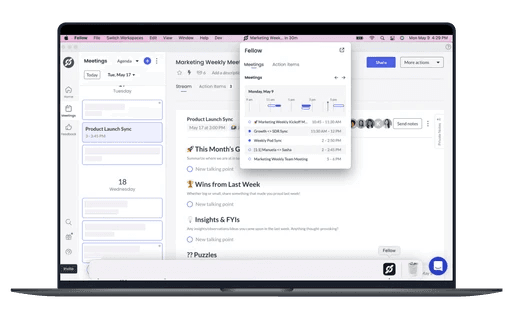
Fellow for Windows delivers a full desktop experience with quick-access controls that keep notes, tasks, and schedules at your fingertips even while video calls are in progress.
How it works
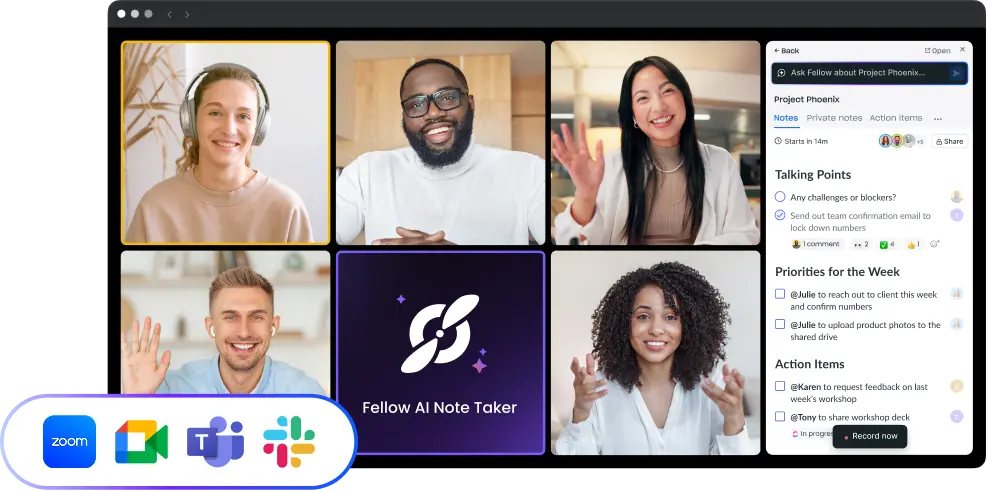
Launch the app to open notes without a browser, use the system-tray widget to join meetings, capture action items, or glance at your agenda, and dock Companion Mode beside any video-conferencing window for real-time, side-by-side note-taking. Desktop notifications keep you aware of completed tasks, comments, and feedback requests.
Benefits
Preparation and follow-up happen faster because everything you need is a click away; notes stay organized, action items are never buried, and updates reach you instantly.

Works where your teams work
Keep your meeting workflow synced with 50+ Fellow integrations