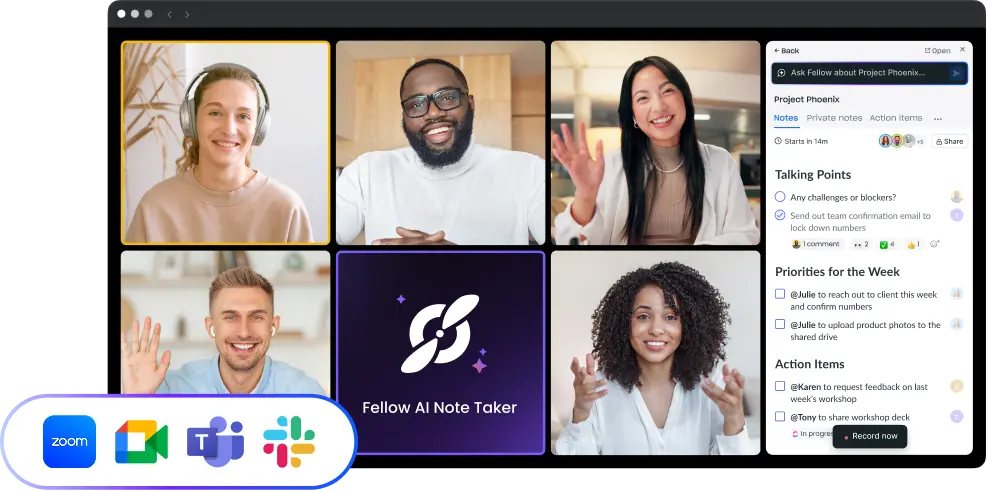
macOS App
Fast access to all Fellow features, including meeting notes, agendas, and action items.
Overview
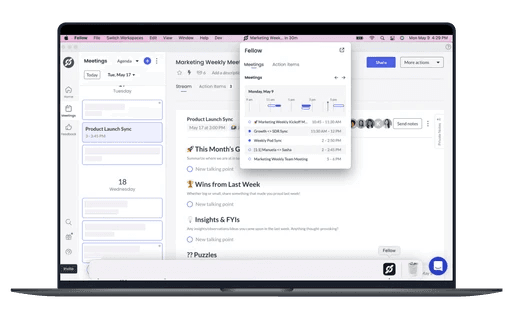
Fellow for macOS delivers a dedicated desktop workspace with a menu-bar utility for one-click note access, video-call join links, and real-time task updates—so meeting prep and follow-up never leave your primary work environment.
How it works
Install the app, sign in, and use the menu-bar widget to join calls, create action items, or review today’s agenda without opening a browser. Notifications surface feedback requests, completed tasks, and other team activity as it happens.
Benefits
Quick, keyboard-centric access keeps focus on work rather than window-hunting. Notes and tasks are always a shortcut away, ensuring smoother preparation and faster follow-through across a typical macOS workflow.

Works where your teams work
Keep your meeting workflow synced with 50+ Fellow integrations