AI Meeting Notes for In-Person Meetings: Introducing Fellow’s Mobile App
•
5
MIN READ
AI Summary by Fellow
Fellow was built on a simple belief: your meetings are some of the most sensitive conversations your company has. They deserve more than a bot with loose data practices. We built the most secure AI meeting agent (SOC 2 Type II, zero data retention, configurable retention policies). We built that on desktop. Today, we're bringing that experience fully to your phone, with a redesigned mobile app and a brand new capability that changes how and where you can capture your meetings.
Now, you can record any meeting directly from your phone. No computer. No bot. Just tap record, and Fellow handles the rest. In this article, we’ll go over everything you can do with Fellow’s new mobile app.
What is the Fellow mobile app?
The Fellow mobile app is built to handle everything you need before, during, and after a meeting, right from your pocket. Whether you're heading into a conference room, working from a coffee shop, or catching up between calls, Fellow moves with you.
The redesigned experience is available to all users automatically, so the moment you download the app and sign in, you're ready to record.
How to record in-person meetings from your phone with Fellow
Fellow's mobile app brings botless recording to in-person meetings. To record in-person meetings with Fellow, simply open the app, tap the red button, and Fellow will capture your meeting transcript through your device's microphone. This is how Fellow works as an AI meeting note taker for in-person meetings: just tap and go.
During the meeting, Fellow automatically transcribes the audio and generates AI-powered notes, a full summary, and action items, all ready the moment the conversation wraps up. Whether you're in a conference room, a client's office, or a hybrid meeting with people both on-call and in the room, everything is organized and searchable so nothing gets lost and every next step is accounted for.
Mobile recording is available on iOS (app version 1.6.0 or later) and requires botless recording to be enabled in your workspace. Recording availability follows the same plan access as Fellow's other recording features.
Meeting transcription, action items, and insights from past meetings, all on mobile.
Beyond recording, the Fellow mobile app puts your entire meeting workflow in one place, right at your fingertips.
Access your full recording library
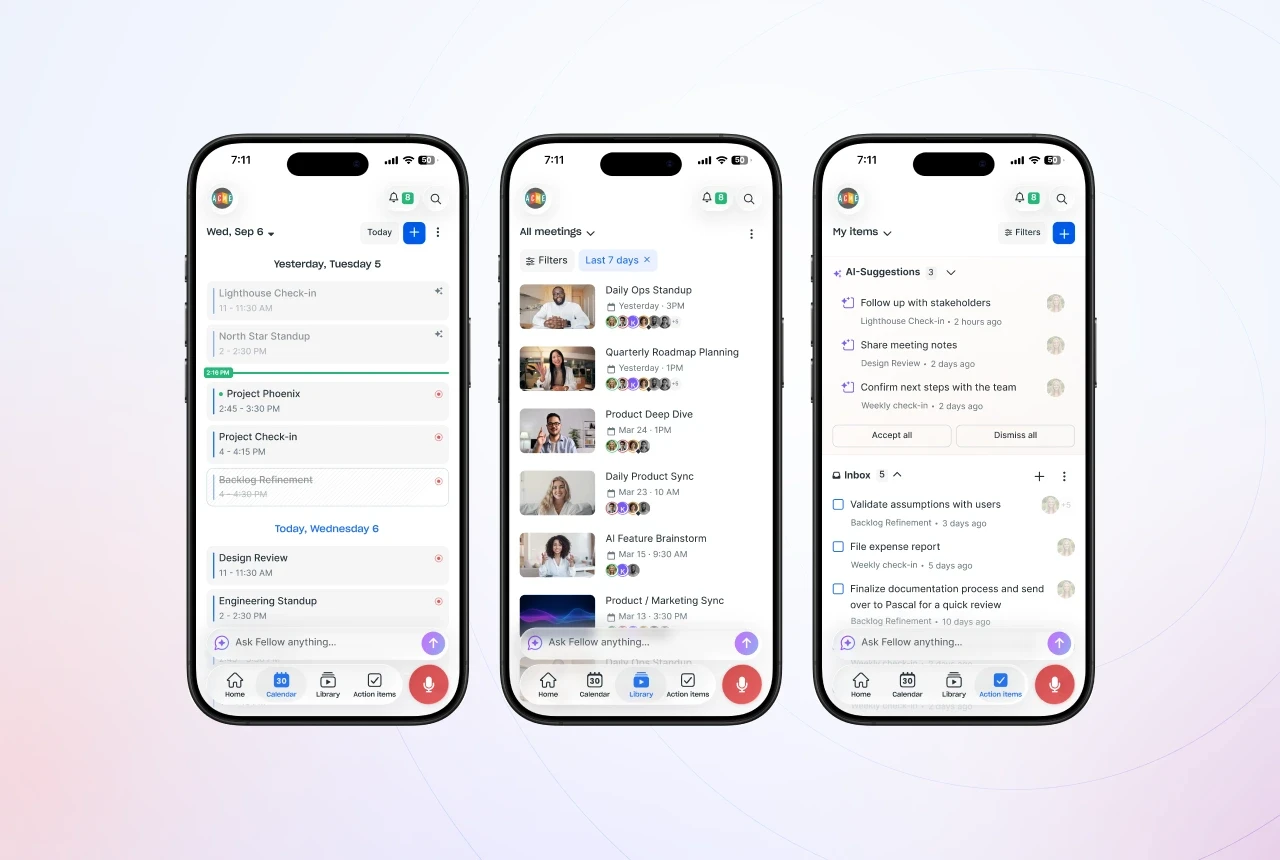
With Fellow’s mobile app, your full recording library is always with you. Scroll through past meetings, jump into any recap, and review transcripts, AI-generated notes, and agendas. The same complete picture you get on desktop is now accessible anywhere, anytime.
Stay on top of your calendar on the go
Staying on top of your calendar is just as seamless. You can view upcoming meetings, create new calendar events, and toggle recording on or off before one starts. When you tap into a calendar event you can review follow-ups from your last meeting, edit agenda items, or add talking points on the go.
Keep action items moving forward
Action items are front and center too. You can review everything on your plate, both AI-generated and manually created action items, and you can accept or dismiss suggestions or create new action items on the spot so nothing gets lost after a meeting ends.
Get instant answers with Ask Fellow
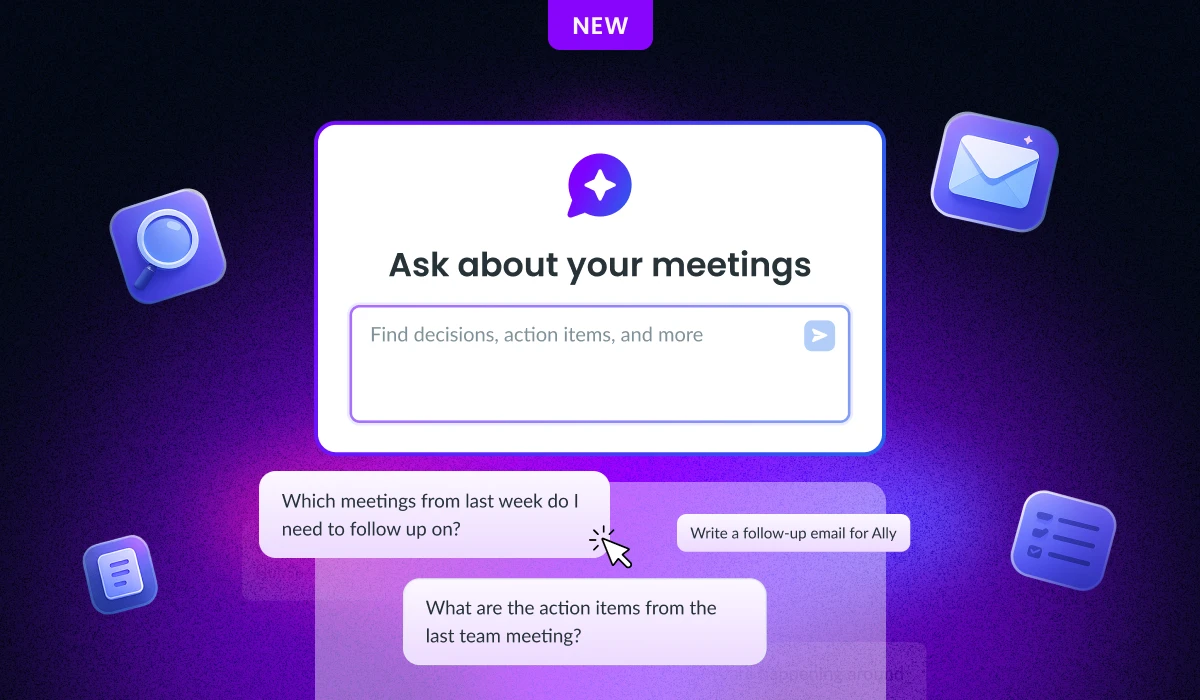
Ask Fellow is fully functional within the mobile app, just as it is on desktop or browser. Ask questions about any meeting, generate follow-up emails and documentation, and get instant answers and insights without having to wait until you're back at your computer. You can also search past meetings, create new calendar events, and share recaps and recordings with your team, all without opening your laptop.
Ready to Take Your Meetings Anywhere?
Fellow is the most secure AI meeting agent, and now it goes wherever you go. Whether you're recording in-person meetings without a bot, reviewing notes on the way back from a client visit, or managing action items between back-to-back calls, the Fellow mobile app makes sure every meeting is accurately captured and every next step is accounted for.
Available now on iOS. Update your app and bring Fellow with you.
Frequently asked questions
Record, transcribe and summarize every meeting with the only AI meeting assistant built with privacy and security in mind.