Fellow 5.0: AI Meetings, Redefined.
•
5
MIN READ
AI Summary by Fellow
Meetings are where decisions are made, insights emerge, and action items are born, yet often the real value gets lost. With Fellow 5.0, AI meetings have been redefined, and botless recording has finally been done right.
Fellow 5.0 brings botless and Zoom-native recording, privacy-first control, and deep workflow integration so teams get complete flexibility and control over how they capture and leverage meetings.
Capture Every Conversation on Your Terms
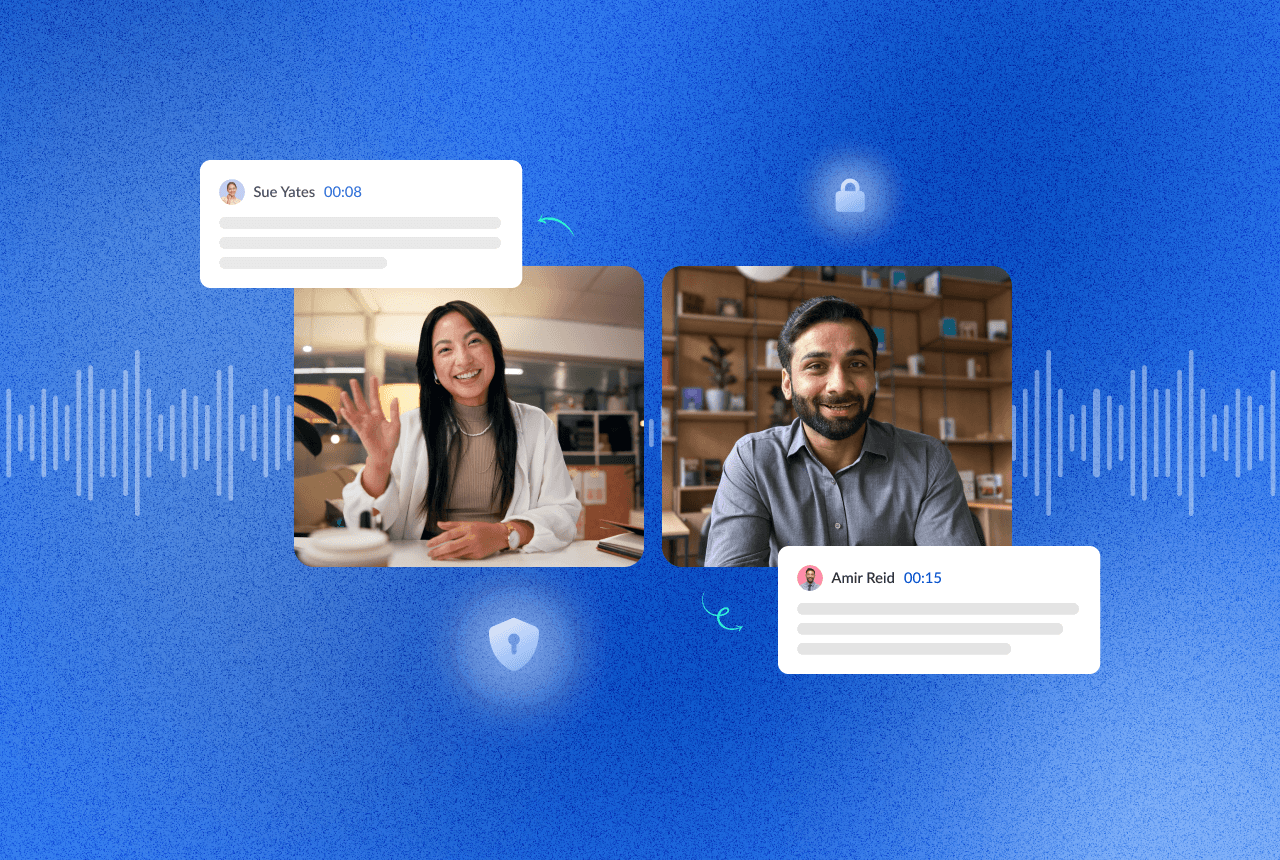
With Fellow 5.0, you don’t need a conferencing link to record a meeting. Desktop native botless recording lets you capture in-person meetings, Slack huddles, or any audio call, directly from your machine, no bot required.
Botless Recording: Capture Meetings Anywhere, Transparently
Fellow does this differently than other bot-free notetakers in a few ways; Recording is visible to all participants, so there are no surprise recordings. You can pause and resume at any time, giving you full control over when you’re “on-the-record.” And finally, audio-only capture ensures a lighter footprint and privacy when video isn’t needed.
This is meeting capture without compromise; flexible, consensual, secure, and built to handle every kind of conversation your team has.
Zoom-Native Capture: Video + AI Notes, No Bot Overhead
For Zoom users, Fellow 5.0 introduces Zoom-native capture. This integration uses Zoom’s built-in recording disclosures so that participants see exactly when recording is happening without a bot joining the call.
This means you get full video and audio recording, automatic transcription and AI-generated notes in Fellow, and transparent notifications inside Zoom and Fellow’s interface. It’s the best of both worlds: high-fidelity recording and thoughtful privacy all under your admin-defined security policies.
AI Notes That Work for Every Team and Meeting
Every team, every meeting, every context is different. What matters in a customer call isn’t the same as in a project sync or a hiring interview.
With Custom Recap Templates, Fellow 5.0 lets you shape AI meeting recaps to match your workflow. You can use existing Fellow templates or build your own template for any meeting type. This gives you the flexibility to tailor recaps to surface exactly what you need: goals, blockers, feature requests, risks, interview evaluation, action items and whatever matters to you.
Having consistent structure across meetings helps teams align, reduces manual rework, and turns conversations into usable outputs. No more generic summaries. No more sifting through transcripts.
Meeting Data, Connected: Workflow Integration Made Easy
Meeting data only becomes truly powerful when it’s integrated into your workflows. Fellow 5.0 supercharges that possibility.
Plug Meeting Data Into Your AI Tools with MCP Server
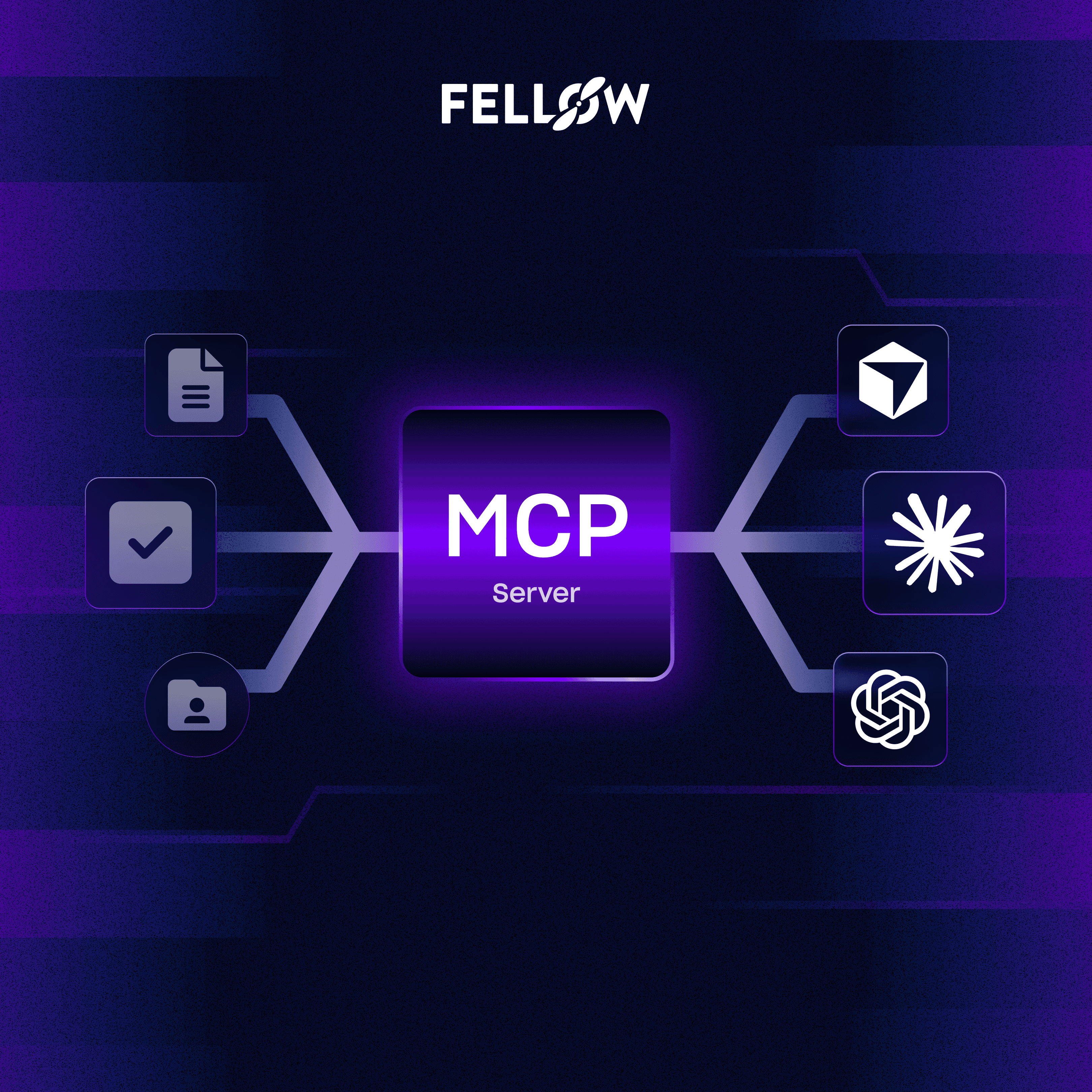
With Fellow’s MCP Server, your meeting notes, transcripts, and action items become a secure data source for AI tools like Claude or ChatGPT or for any workflow you build. Fellow’s MCP Server is enabled workspace-level access via admin settings. Once connected, your AI tools can fetch only the meetings you have permission to access, maintaining enterprise-grade security. This means you can use meeting context alongside project data from tools like HubSpot, Linear, or Google Drive for smarter decisions and richer insights.
This turns Fellow from “just” a meeting recorder into a centralized memory and context engine for your entire stack.
Automate What Happens After the Meeting
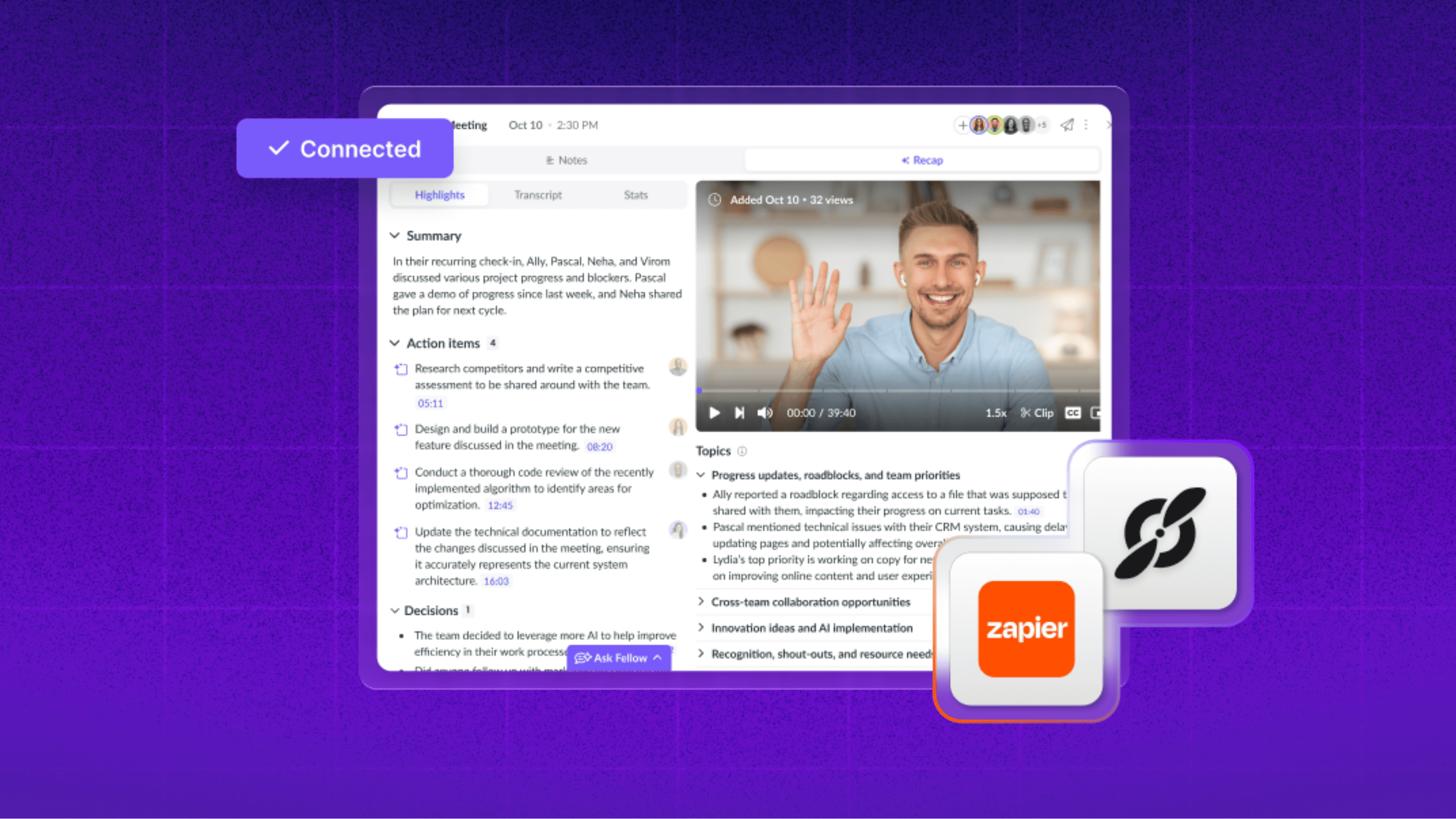
With new triggers in Fellow 5.0 and workflow platforms like Zapier, you can automate follow-ups the second a meeting ends. This means you can do things like auto-draft case studies or help articles from customer calls. To take it to another level, action items can automatically sync to your task or project management tools, and meeting summaries get delivered to Slack or internal dashboards, creating consistent post-meeting documentation and knowledge sharing.
Meeting data stops being static and becomes a source of ongoing action.
What Fellow 5.0 Means for Teams
Fellow 5.0 represents a major shift in how teams capture and leverage meetings—offering the flexibility to record conversations wherever they happen (in person, on Slack, on Zoom, Teams, or Gmeet), while ensuring transparency and trust by giving internal participants full control over when they go “on the record.” Every meeting automatically produces clean, role-specific recaps that provide instant clarity and easily accessible insights, and those insights plug directly into the tools teams already use; no more copying or pasting across systems. Over time, these conversations become scalable, searchable, context-rich knowledge your company can rely on to move faster and make smarter decisions.
Frequently asked questions
Record, transcribe and summarize every meeting with the only AI meeting assistant built with privacy and security in mind.