Fellow vs Zoom AI Companion
The #1 Zoom AI Companion Alternative
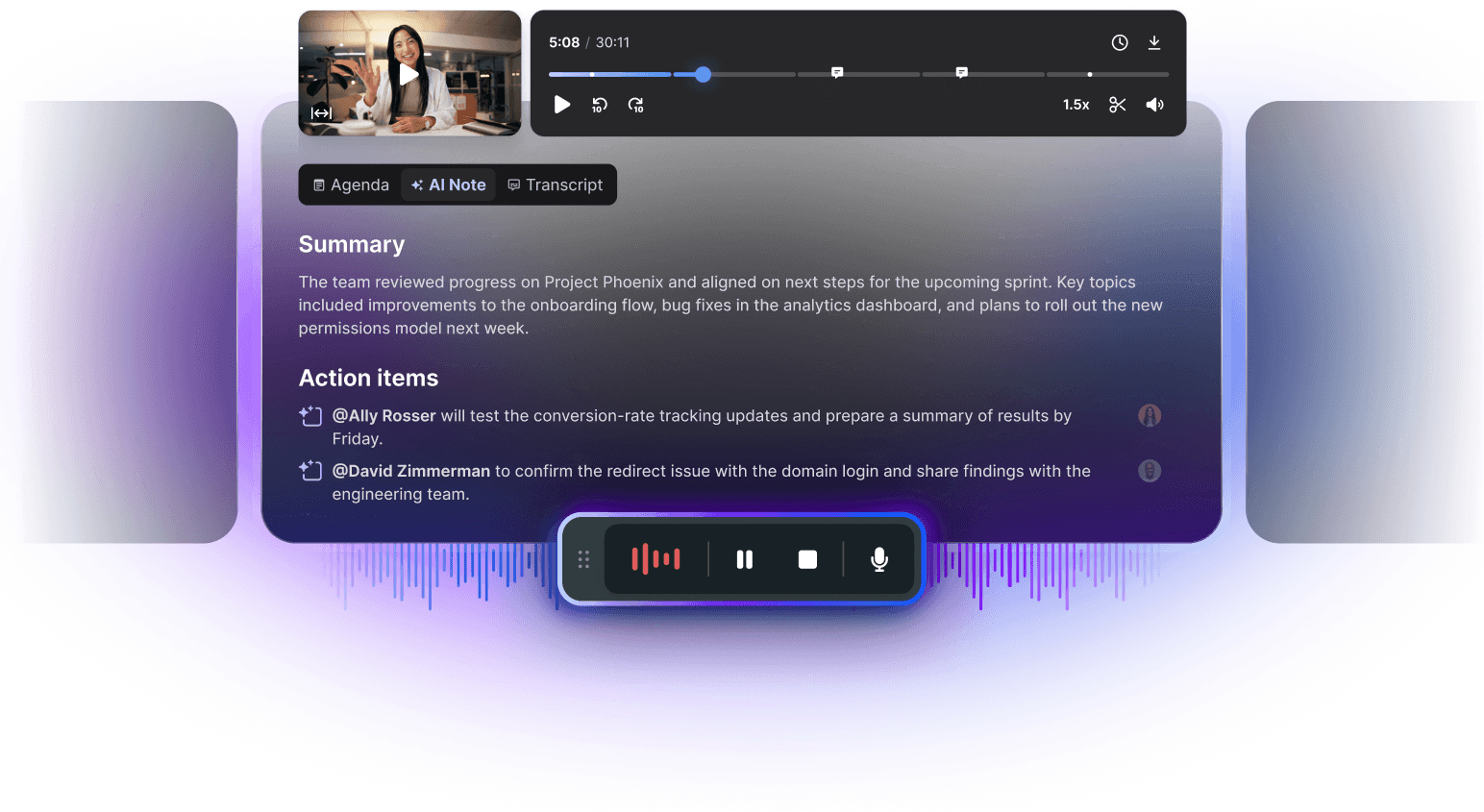
Fellow turns every meeting into a structured summary with tracked action items. The same way, whether you're on Zoom, Google Meet, or Teams.
Works with



Trusted by 5,000+ customers
Fellow vs Zoom AI Companion
The #1 Zoom AI Companion Alternative
Fellow turns every meeting into a structured summary with tracked action items. The same way, whether you're on Zoom, Google Meet, or Teams.
Works with
Trusted by 5,000+ customers
Fellow vs Zoom AI Companion
The #1 Zoom AI Companion Alternative
Fellow turns every meeting into a structured summary with tracked action items. The same way, whether you're on Zoom, Google Meet, or Teams.
Works with
Trusted by 5,000+ customers
Trusted by the most productive teams
Fellow vs. Zoom AI at a glance
From notes to next steps.
Here's what teams say after switching from Zoom's native summary to Fellow.

With
"The AI template, the to-do list, and the full transcript are already right there after every call."
"We replaced Zoom AI org-wide for the cross-platform coverage and stronger integrations."
"Now we have one place to search and query everything we've discussed in past meetings."
"The transcription quality alone was enough to get people to switch."
With

"If the meeting wasn't in Zoom, we didn't have notes at all."
"It doesn't populate a to-do list, so someone still has to chase follow-ups."
"Notes stay locked to that one meeting. There's no searching across past calls."
"It's just notes.There's no AI overview at the end."
Feature
Feature
Feature
AI-Generated Meeting Summary


AI-Generated Meeting Summary
AI-Generated Meeting Summary
Audio/Video Meeting Recording
Audio/Video Meeting Recording
Audio/Video Meeting Recording
AI Chat / Q&A About Meeting Content
AI Chat / Q&A About Meeting Content
AI Chat / Q&A About Meeting Content
Structured, Templated AI Summaries
Structured, Templated AI Summaries
Structured, Templated AI Summaries
Automatic Action Item Tracking & Assignment
Automatic Action Item Tracking & Assignment
Automatic Action Item Tracking & Assignment
One Consistent Record Across Zoom, Google Meet & Teams
One Consistent Record Across Zoom, Google Meet & Teams
One Consistent Record Across Zoom, Google Meet & Teams
Zero-Day Retention Option
Zero-Day Retention Option
Zero-Day Retention Option
Transcript Redaction
Transcript Redaction
Transcript Redaction
Audit-ready Deletion Logs
Audit-ready Deletion Logs
Audit-ready Deletion Logs
Collaborative Meeting Agendas
Collaborative Meeting Agendas
Collaborative Meeting Agendas
Collaborative Meeting Agendas
Collaborative Meeting Agendas
Collaborative Meeting Agendas
No credit card required
No credit card required
Why Teams are Switching from Zoom AI Notes to Fellow
Zoom's AI features are built for the conferencing tool they live in. Fellow is built to be the system of record for every meeting you have.
AI Meeting Notes
Templates and tracked action items, not just a transcript
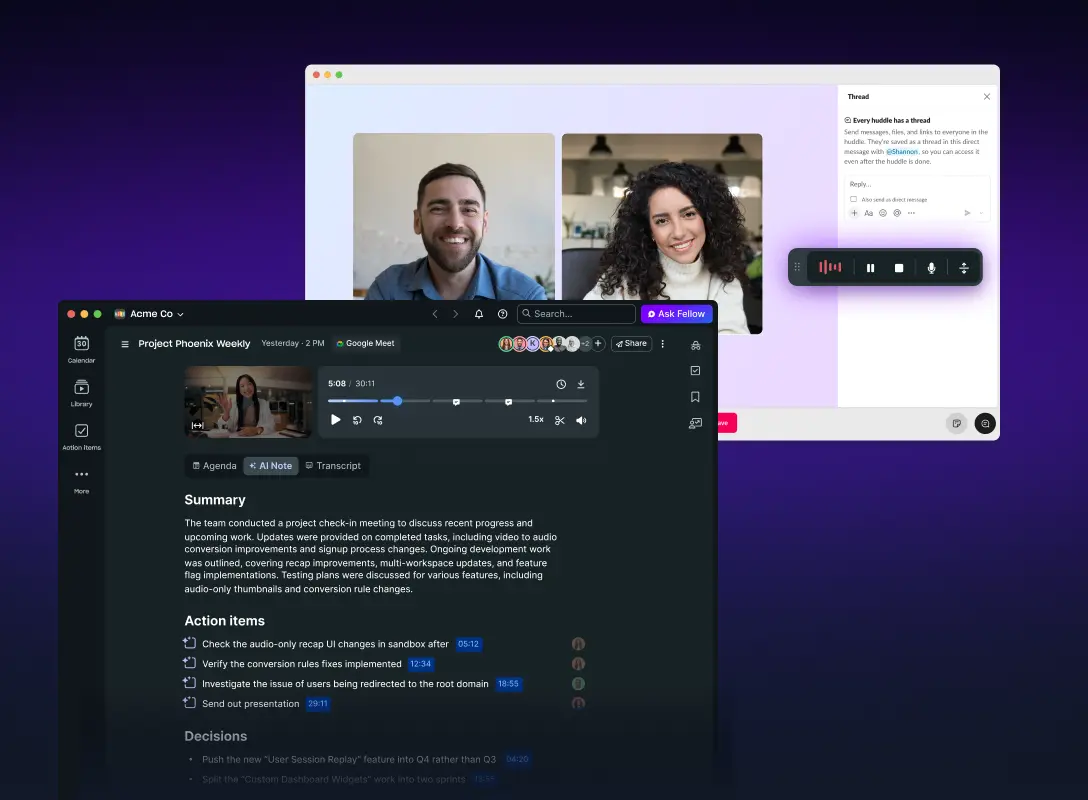
Zoom's native Meeting Summary generates a recap after the meeting, but customers who've made the switch describe it as "just notes" — no configurable structure, and no to-do list populated automatically. Fellow lets you define AI templates that surface decisions, key topics, and action items the moment a meeting ends, and every action item is automatically assigned and tracked to close the loop instead of living inside a one-time recap email.
AI Meeting Notes
Templates and tracked action items, not just a transcript
Zoom's native Meeting Summary generates a recap after the meeting, but customers who've made the switch describe it as "just notes" — no configurable structure, and no to-do list populated automatically. Fellow lets you define AI templates that surface decisions, key topics, and action items the moment a meeting ends, and every action item is automatically assigned and tracked to close the loop instead of living inside a one-time recap email.
Enterprise & Security
Governance built in
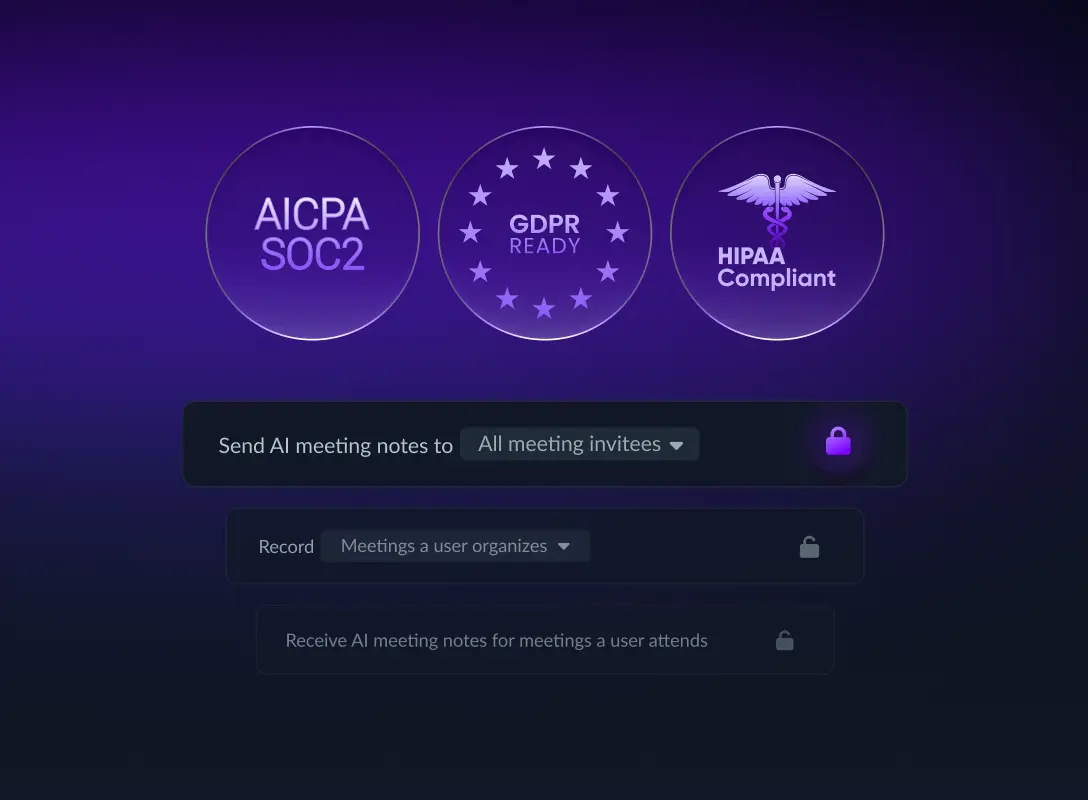
Zoom's own guidance tells admins not to enable Meeting Summary for meetings with sensitive or confidential information, since transcripts are routed to third-party model providers to generate the recap. Fellow takes the opposite approach: Zero-Day Retention, transcript redaction, and org-wide recording controls are built in, with audit-ready deletion logs for exam readiness — the reason hedge funds, private equity firms, investment banks, venture capital firms, and other financial services teams handling MNPI choose Fellow as their AI meeting assistant.
Enterprise & Security
Governance built in
Zoom's own guidance tells admins not to enable Meeting Summary for meetings with sensitive or confidential information, since transcripts are routed to third-party model providers to generate the recap. Fellow takes the opposite approach: Zero-Day Retention, transcript redaction, and org-wide recording controls are built in, with audit-ready deletion logs for exam readiness — the reason hedge funds, private equity firms, investment banks, venture capital firms, and other financial services teams handling MNPI choose Fellow as their AI meeting assistant.
AI Agent / Ask Fellow
One assistant across every meeting, not a separate paid layer
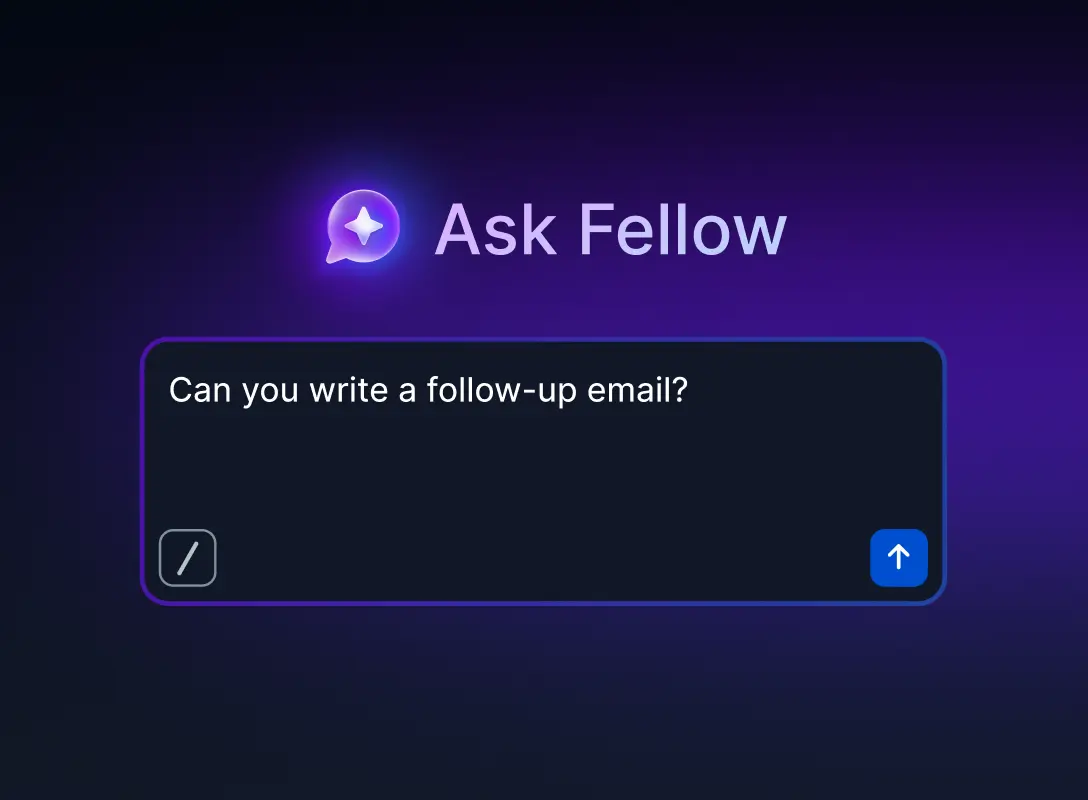
Zoom's newest agentic capabilities — cross-app search, follow-up scheduling, auto-generated docs — now live behind ZoomMate, a separate paid add-on on top of a paid Zoom Workplace plan. Ask Fellow is built into the core product: query any past meeting in natural language, trace a commitment back to the exact moment it was made, and sync action items straight into your CRM and task tools, with no additional agentic layer to buy or configure.
AI Agent / Ask Fellow
One assistant across every meeting, not a separate paid layer
Zoom's newest agentic capabilities — cross-app search, follow-up scheduling, auto-generated docs — now live behind ZoomMate, a separate paid add-on on top of a paid Zoom Workplace plan. Ask Fellow is built into the core product: query any past meeting in natural language, trace a commitment back to the exact moment it was made, and sync action items straight into your CRM and task tools, with no additional agentic layer to buy or configure.
More reasons to switch
What else Zoom's notetaker misses
One record, every platform
Cross-platform capture with Zoom requires a separate tool called My Notes. Fellow gives you the same summary, action items, and search whether you're on Zoom, Google Meet, or Teams.
Transcripts you can trust
Customers who've used both say Fellow's transcription and speaker attribution hold up better than Zoom's, especially with specialized terminology — less time spent guessing who said what.
A searchable meeting library
Zoom's notes stay locked to the meeting they came from. Fellow keeps every summary, transcript, and action item searchable across your whole meeting history.
More reasons to switch
What else Zoom's notetaker misses
One record, every platform
Cross-platform capture with Zoom requires a separate tool called My Notes. Fellow gives you the same summary, action items, and search whether you're on Zoom, Google Meet, or Teams.
Transcripts you can trust
Customers who've used both say Fellow's transcription and speaker attribution hold up better than Zoom's, especially with specialized terminology — less time spent guessing who said what.
A searchable meeting library
Zoom's notes stay locked to the meeting they came from. Fellow keeps every summary, transcript, and action item searchable across your whole meeting history.
Send your meeting notes anywhere with Fellow



Send your meeting notes anywhere with Fellow
Send your meeting notes anywhere with Fellow

Built for security and compliance
✔ Administrators in Fellow get unique controls to manage secure access and Compliance.
✔ Fellow syncs with your HRIS to make provisioning and de-provisioning automatic.
✔ Fellow is SOC 2 Type 2 compliant and GDPR ready.


Built for security and compliance
✔ Administrators in Fellow get unique controls to manage secure access and Compliance.
✔ Fellow syncs with your HRIS to make provisioning and de-provisioning automatic.
✔ Fellow is SOC 2 Type 2 compliant and GDPR ready.
Built for security and compliance
✔ Administrators in Fellow get unique controls to manage secure access and Compliance.
✔ Fellow syncs with your HRIS to make provisioning and de-provisioning automatic.
✔ Fellow is SOC 2 Type 2 compliant and GDPR ready.
Frequently asked questions
Switch to the AI meeting assistant built to close the loop
Structured summaries, tracked action items, and compliance controls built in — the same way, across every meeting you have.
Switch to the AI meeting assistant built to close the loop
Structured summaries, tracked action items, and compliance controls built in — the same way, across every meeting you have.
Switch to the AI meeting assistant built to close the loop
Structured summaries, tracked action items, and compliance controls built in — the same way, across every meeting you have.